
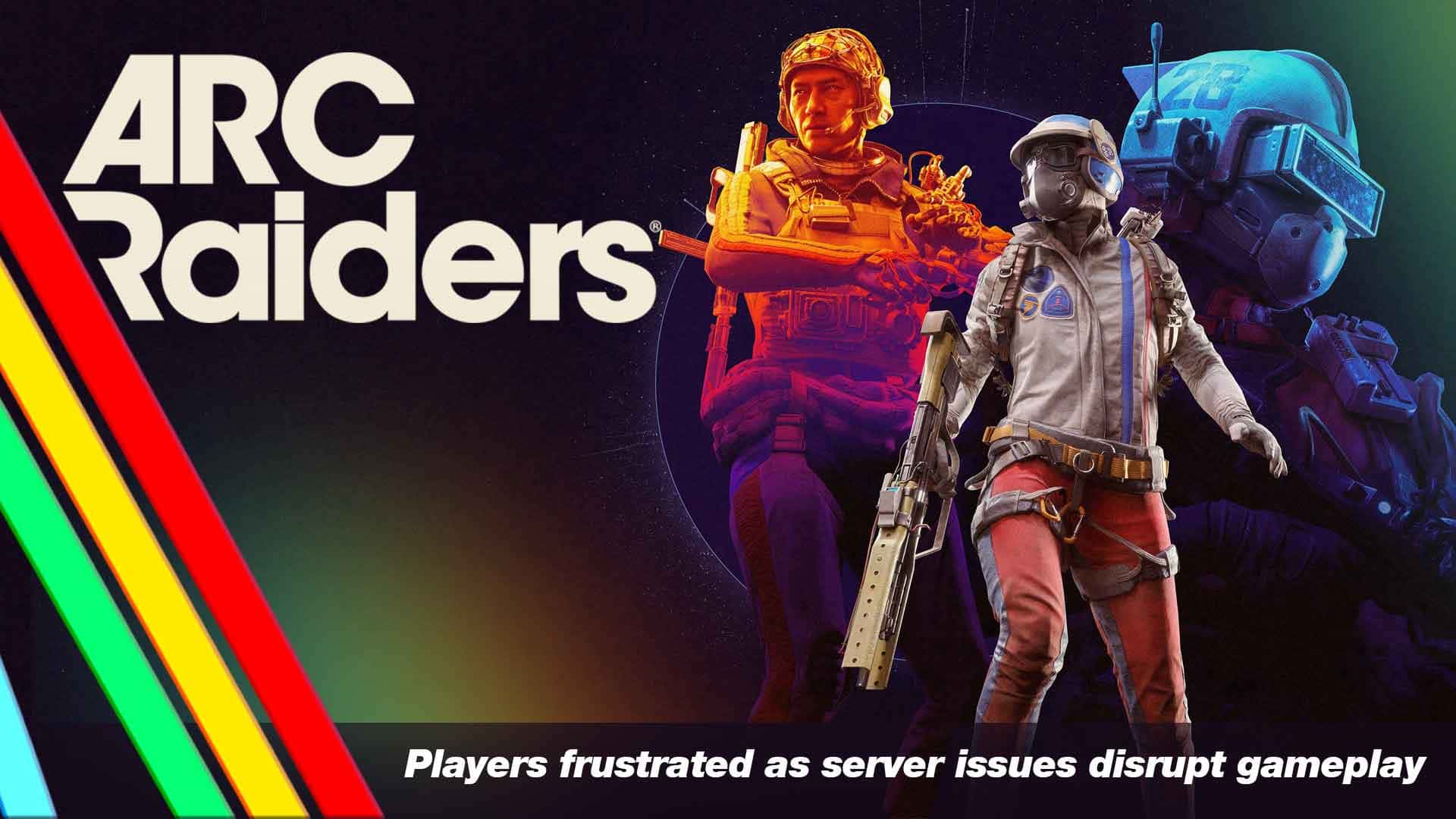
When ARC Raiders was released, it did so with considerable flair, attracting hundreds of thousands of players across different platforms. But along with the great demand, there was also a great problem. What should have been a continuous extraction-shooter experience got mixed up with server jams, matchmaking problems and login queues.
The outcome?
A rising wave of disgruntled Raiders caught “In Queue…” or ejected during a raid. The Embark Studios developer team has recognized the problems, and in this article we will explain what is happening, how the players are responding, and what steps you can take personally to increase your chances of having smoother gameplay.
What’s Going Wrong?
Overloaded Servers & Login Queues
The major underlying cause is demand. Just after its launch, ARC Raiders caught over 330,000 concurrent players on Steam, thereby being on the list of the most-played games on this platform. However, the infrastructure did not expand rapidly enough. Gamers started to complain about login queues, with some remaining at the "In Queue" screen for as long as 10-20 minutes or even longer.
| How to Fix |
|
Matchmaking, Party and Voice Problems
Players who were already in the game reported besides waiting to get in :
- Matchmaking errors including ARMR0002 - Matchmaking has failed.
- Being put into groups even when cross-play was turned off or when they had requested to play solo.
- Voice chat and party system not working : developers admitted these issues in their official communications.
| How to Fix | Voice Chat / Mic Fixes
Matchmaking / Party / Connection Fixes
|
Regional / Server-specific Issues
Users on Reddit and Steam shared regional issues in different parts of the world, Europe, North America, Asia, implying that certain servers (or regions) experienced more significant impacts than others.
How to Fix |
|
Fans React : Frustration, Humor and Hope Amid ARC Raiders’ Server Struggles
Players are visibly frustrated with the login queues and matchmaking delays, calling the game a “queue simulator” as they sit through long wait times rather than diving into action.
A Reddit user said, “Got an ARMR0002 matchmaking error… stuck at ‘In Queue’ screen ever since.”
Others express disappointment that such issues are scaling with what should have been a high-energy launch :
A Steam user comments: “When I enter the launcher it shows the text ‘IN QUEUE’ and never loads. I’ve waited almost half an hour several times.”
Although the game has been anticipated for numerous reasons such as PvPvE mechanics, co-op, and extraction format, people still say that service problems are overshadowing their first impression. While some players are trying to handle the situation with humor (“Looks like I queued for the queue”), others have decided to stop playing until the situation gets better. However, the high number of players is a clear indication that the hype is indeed real but the infrastructure is still not up to par.
“Even popular Twitch streamers were spotted staring at matchmaking screens, waiting for the servers to stabilise.”
The players' community is still present and is still excited about the game but is also really annoyed. The forthcoming day or two will most probably determine whether the goodwill will last or the frustration will lead to quitting.
What the Developers Are Saying & Doing?
Embark Studios has owned up to the issues. Among the official remarks are :
- They verify being conscious of the problem with servers, voice chat, and party systems.
- As a short-term solution, they have introduced a login queue: “we need to temporarily limit the amount of players we can let back Topside.”
- They are also working on server upgrades and hotfixes.
In other words, the developers are aware of the situation, they are working on it, but no concrete time has been provided for the complete resolution.
What Players Should Do Now?
Despite the fact that a few problems lie on the server side, there are nonetheless actions that you could take to lessen irritation and make your chances for a more pleasant experience a bit higher. Actionable tips are as follows :
- Check server status before you log in
- Monitor official channels (Discord, X/Twitter) for developer updates.
- Visit community hubs for complaints of downtime or queue surges.
- If status shows issues, it may be best to wait rather than keep hustling.
- Improve your own connection as much as possible
- Use wired Ethernet rather than Wi-Fi for more stable connection.
- Restart your router/modem. This has helped users getting stuck under the “network timeout” errors.
- Use a stable DNS (e.g., Google’s 8.8.8.8) if you suspect DNS resolution issues.
- Restart the game completely
- Exit the client, reboot the game. Some matchmaking errors (like ARMR0002) were cleared this way.
- Be flexible and patient with matchmaking
- Understand that “In Queue” may not show your position precisely, it may reflect server gating rather than genuine player queue.
- Avoid constant re-queueing; waiting a little longer before retrying may reduce errors.
- Follow Developer updates and patch notes
- Keep an eye on Embark’s roadmap and hotfix communications.
- Being aware of planned downtime or maintenance can save frustration.
Why This Matters : The Risk & Reward
In the case of ARC Raiders, the server issues are not only a source of annoyance, but also heavily dependent upon experience, retention, and word-of-mouth. When hype multiplies (for instance, the game accumulated 330k+ players on Steam) and a multiplayer game is unable to provide a reliable service to its players, then goodwill loss and lower long-term engagement are the risks.
On the other hand, the situation looks bright: The game's strong concurrent number can be interpreted as a clear indication of demand for the game, thus the game has the potential to be a major success if the backend can be upgraded to its proper level. Moreover, the fact that the developers are not only communicating with the players but also issuing hotfixes, indicates a good scenario.
Looking Ahead : What to Watch For?
- Server capacity upgrades : The development team will have to either scale up the infrastructure or optimize the matchmaking logic to prevent lockouts and surges of incoming players as the number of players becomes uniform.
- Regional load balancing : Making sure that no region is the weak point; all regions, Europe, Asia, and North America, have players that complain about problems.
- Quality of service improvements : The neglect of voice chat and party system problems, not just login/matchmaking. These were specified by the developers.
- Compensations or goodwill gestures : Officially, nothing has been promised, but players are expecting some kind of acknowledgment from the company regarding the disruptions, they are very loud about it.
- Patch timeline transparency : Steady developer updates will be a source of peace for the community; the faster and more understandable the fixes, the better.
The start of ARC Raiders was nothing short of extraordinary. However, with such a high launch comes a considerable amount of pressure and this is quite apparent in the case of servers. If you're one of those who are trying to get in the game and are repeatedly hitting "In Queue..." or getting disconnected in the middle of a match, be aware that you are not solitary.
Yes, the developer working on it, but until then, you can do things to make your connection better, log in during off-peak hours, and check online for server status before engaging. If you manage to get through the rough patch, the core game is still getting accolades, thus the basics are good. However, multiplayer games are always dependent on the service they provide.
Final Thoughts
Looking at the situation, it is evident that the next few days will be decisive for ARC Raiders: if you get the backbone sorted, then you are going to have the force of one of the largest releases of 2025. On the other hand, if you don't stabilize the situation, then the community's exhaustion may come very early.
So what now? Be patient, get updates or perhaps get on the queue when everyone else is logging off and take pleasure in the battlefield with fewer competitors. No matter what, the extraction is still there.