“The internet spent 15 years turning random strangers into memes. Now Google wants to turn you into one.”
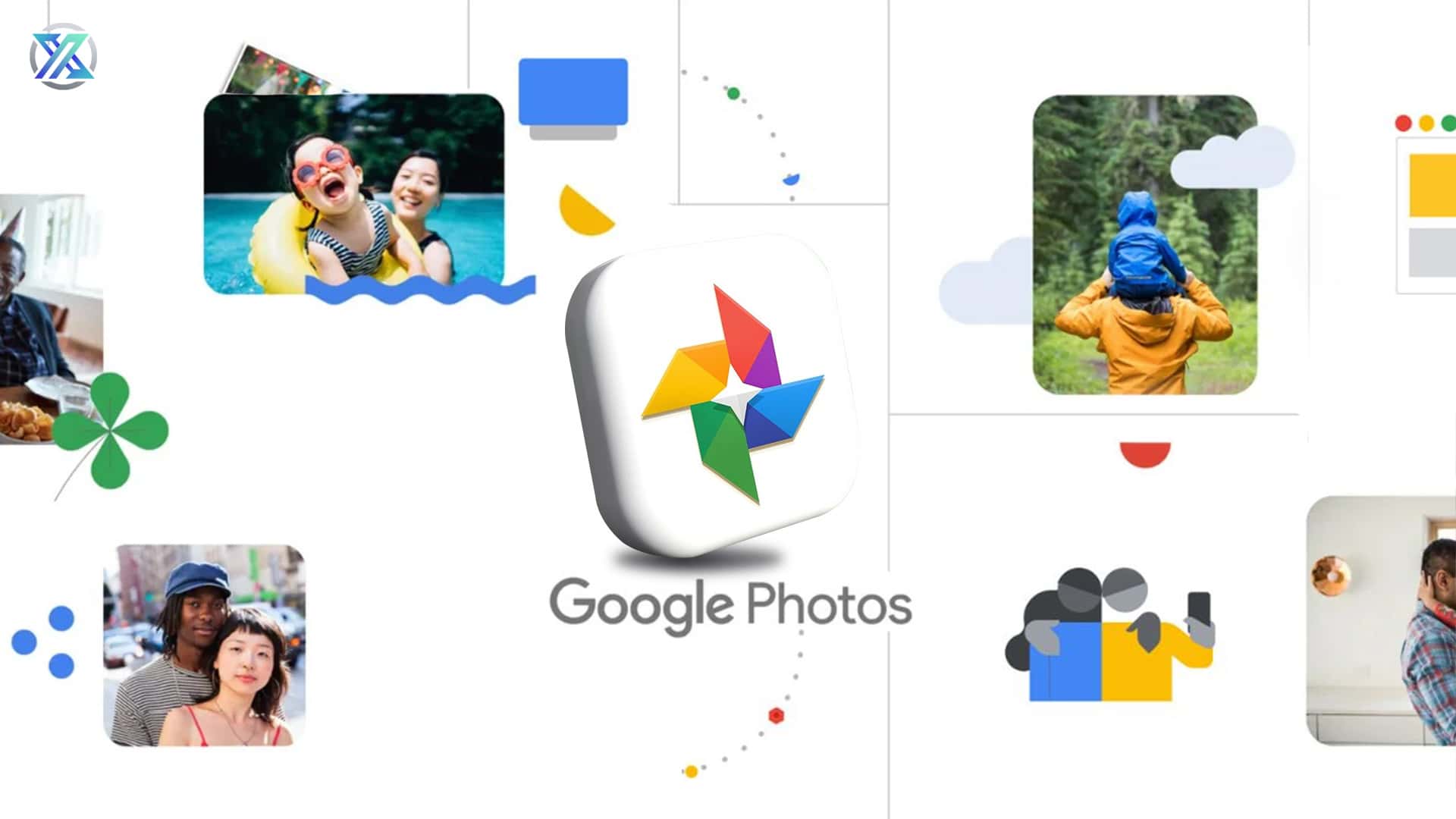
It’s 2026, and Google Photos has introduced a tool that is as chaotic as it sounds. Me Meme, a tool that generates personalized memes using your own selfies and portraits from your camera roll. By quickly matching your photos to a meme-style and even captioning them if you need one.
It is funny, a little cursed, and very 2026.
What is the Me Meme tool?
A new AI-powered feature that is going to be built directly into your Google Photos app. What it will do is scan your photo library for clear and obvious portraits and selfies, then generate meme images based on your prompts, mood, and common meme formats.
It’s going to be gradually rolled out to users on Android and iOS, and will be part of your Google Photos rather than an entirely separate app.
What it can actually do
It’s more than just simply slapping text on your selfies; it does so much more :
✅It selects photos where your face is clearly visible.
✅It analyzes facial expressions and posture.
✅It generates captions based on common meme scenarios.
✅It creates different visual styles depending on the prompt.
You can also preset prompts; the tool will then generate a few meme options that you are able to save, regenerate, or share later.
What you need to use it
| Requirement | What It Means |
| Google Photos app | Must be installed and updated |
| Google account | Logged into your main Photos library |
| Eligible region | Rolling out gradually, not global yet |
| Portrait photos | Clear face photos work best |
| Internet connection | Needed for AI generation |
If you do not see Me Meme yet, it is probably just not live on your account. Google is doing a staged rollout.
How to use Me Meme step by step
This part is refreshingly simple.
- Open the Google Photos app.
- Go to the “Create” or “Utilities” section.
- Tap on Me Meme.
- Let Google scan your photos for usable images.
- Pick a suggested prompt or type your own.
- Review the generated memes.
- Save your favorites or share them directly.
Tips to get better memes
Your meme quality depends heavily on what your camera roll looks like. So, photos with clear lighting and front-facing selfies would obviously work best. Blocked faces, blurred images, and dramatic expressions might get worse results than neutral expressions.
For prompts, specificity helps. “Me when my code finally works” will usually produce something more on point than “Me tired.”
Also, do not panic if the first few memes feel awkward. That is part of the experience. Regenerating usually improves things fast.
The privacy question everyone is asking
Yes, Google is using your face.
No, it is not secretly posting your memes online.
According to Google, Me Meme processes your images using AI to generate content, but the resulting memes stay in your personal Google Photos library unless you choose to share them. The company says the data is handled under the same privacy rules as the rest of Google Photos, including existing facial recognition and photo analysis features.
You can opt out by simply not using the tool. There is no automatic meme generation happening in the background.
Why Google is doing this now
Google has been steadily turning Photos into an AI playground. Magic Editor, Best Take, cinematic effects, auto captions, and now meme generation. The goal is clearly to keep users inside Google’s ecosystem instead of bouncing between third-party editing apps and social platforms.
Me Meme also taps directly into meme culture, which has basically become the default language of the internet. Instead of sharing someone else’s reaction image, you now share your own, which is both funnier and slightly more unhinged.
The good, the weird and the useful
The good part is obvious. It is fun. It works. It takes about ten seconds to make something shareable.
The weird part is seeing yourself turned into a stock reaction image. The first time your face appears under a caption like “When you open the fridge for the fifth time” is going to hit different.
The useful part is that it makes personal content creation ridiculously easy. If you live in group chats, Me Meme is about to become your main character energy generator.
It is also genuinely good for inside jokes, birthday memes, office humor, and that one friend who always needs a custom roast image.
So, should you actually use it?
If you like memes, yes.
If you hate memes, also yes, because you can now control the memes instead of being controlled by them.
Google Photos has become a little more unhinged in 2026. And honestly, that feels completely okay for this year.